
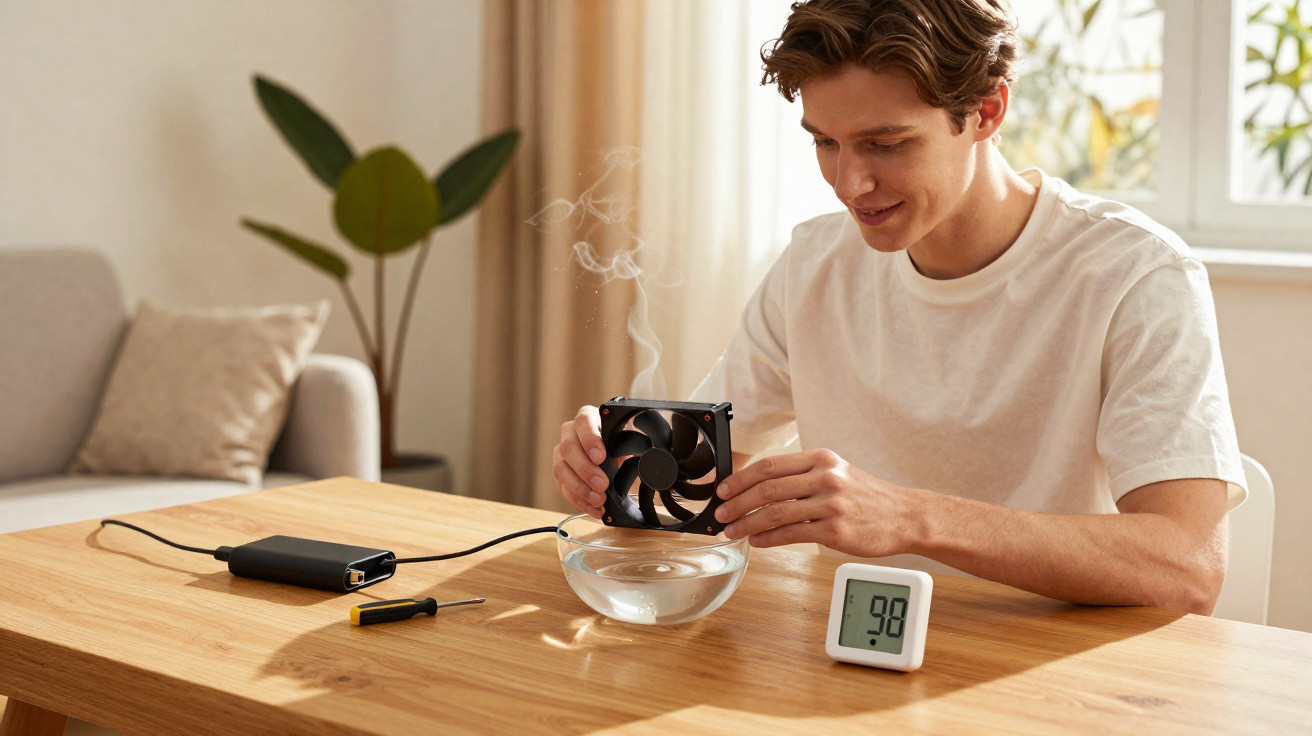
During spells of dry weather, many people look for straightforward ways to make the air at home feel more comfortable. One increasingly popular idea is to repurpose a PC cooler (computer fan) as a small homemade humidifier, using the airflow to speed up water evaporation and make indoor spaces feel less dry without buying expensive equipment.
How does a computer cooler help humidify the air?
This method relies on evaporation: the air pushed by the cooler is aimed at a damp surface, which helps the water evaporate faster and disperse into the room. In practice, the cooler works like a simple “air mover”, carrying moisture around a bedroom or living room with minimal effort.
It’s worth noting that the cooler does not generate extra water; it only accelerates the evaporation of the water you provide. That means results vary depending on how much water is available, the size of the room and how well the space is ventilated. In smaller, more enclosed rooms, the difference is usually easier to notice, especially on very dry days or overnight.
How to assemble a simple humidifier using a PC cooler
If you want to try this at home, you can put together a basic setup with just a few items-paying close attention to stability and where each piece sits. It’s a budget-friendly option that uses little electricity, and it works best as a temporary fix when the air is particularly dry.
The most common materials are:
- A computer cooler/fan in good condition (from a case or power supply)
- A compatible power source (USB, 5 V, or 12 V, depending on the fan)
- A stable container of water (a washing-up bowl, tub, or sturdy bowl)
- An absorbent cloth, sponge, or clean towel
- A simple support to keep the fan steady and secure
A typical way to set it up is to place the water container on a firm surface, sit the cloth so it is partially submerged (with part of it exposed and continuously damp), and then fix the cooler so it blows directly onto the wet section. Some people also make a small cardboard or plastic “tunnel” to focus the airflow over the damp fabric.
What precautions matter when using a cooler as a humidifier?
Even though it’s simple, this DIY approach needs careful attention to electrical safety, because water and wiring do not mix. Keep the power supply, plugs, extension leads and connections well away from splashes, and make sure cables do not run behind or underneath the container of water.
Cleanliness is also important, as fabric sitting in water can harbour mould, fungi and bacteria. To help minimise those risks, it’s sensible to follow a few day-to-day precautions:
- Change the water daily, or whenever it looks cloudy
- Wash the cloth or sponge regularly using mild soap
- Avoid using it in rooms with existing mould or heavy dust build-up
- Watch for signs of excessive damp, such as a musty smell or darkening patches on walls
When is this trick most useful-and when is it not enough?
Using a PC cooler as an improvised humidifier tends to work best in smaller spaces-such as bedrooms and compact home offices-particularly at night or when there’s little airflow from outside. In areas that experience dry-air spells between autumn and spring, it may ease common discomforts such as irritated airways and dry skin.
However, it is not a replacement for dedicated equipment in homes where someone has chronic respiratory conditions, or where a doctor has advised strict humidity control. In those situations, the cooler setup should only be treated as occasional support, and it’s best to keep an eye on how comfortable people feel in the room-checking that the air seems less harsh without any signs of mould or too much moisture.





Comments
No comments yet. Be the first to comment!
Leave a Comment