
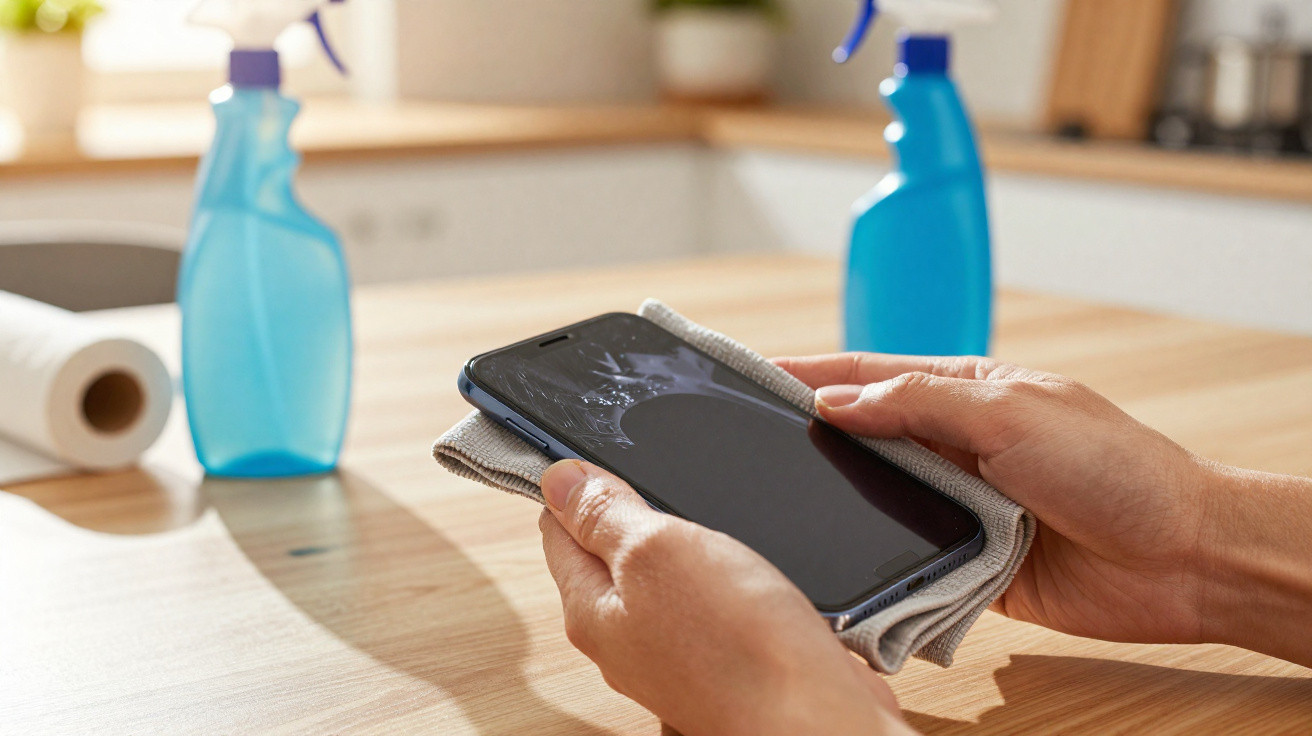
A couple of swipes, a quick spray, done - that’s how most people clean their phone screen. The trouble is, this everyday habit can make your handset age a lot faster. Some cleaning products attack the delicate surface, leaving it dull, easier to scratch and, in the long run, more expensive when repairs (or even a replacement phone) become necessary.
Everyday products that quietly damage your display
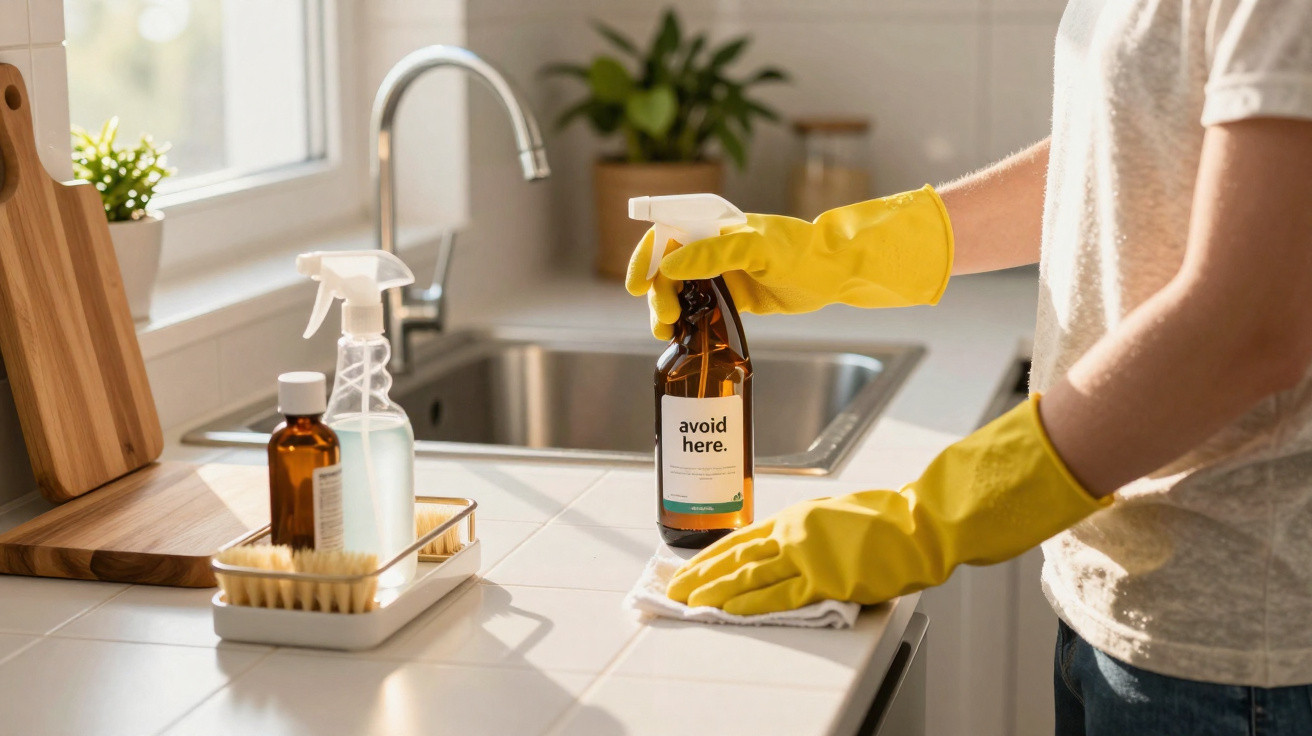
The biggest misconception is: “If it’s fine for the house, it can’t be bad for my phone.” That assumption is exactly where things go wrong. Several common household products do more harm to a display than good.
- Disinfectant wipes with chlorine: these can strip the fingerprint-resistant coating (the oleophobic layer) and leave the surface slightly roughened.
- Glass cleaner: often contains ammonia or other harsh additives - fine for windows, but too aggressive for phone screens.
- Household vinegar or vinegar-based cleaner: the acid gradually breaks down protective layers and may also affect seals.
What looks like thorough hygiene can slowly wear away the screen’s invisible protective coating - a little more with every “clean” wipe.
Smartphone makers repeatedly warn about this in their care guidance: strong chemicals, abrasive agents and aggressive cleaners simply do not belong on a display. Even so, those exact products still end up on screens - usually through convenience or not knowing any better.
Why your display eventually turns dull, smeary and sensitive
This kind of damage rarely shows up after just one clean. It accumulates over weeks and months. At some point the screen can look matte, fingerprints seem to cling more stubbornly, and glare becomes more noticeable than it used to be.
The reason is the oleophobic coating. It helps stop skin oils sticking and gives the glass that smooth, slick feel. Harsh cleaners gradually dissolve this thin layer:
- The surface can feel rougher or even slightly “tacky”.
- Fingerprints become harder to wipe away.
- Reflections increase and the display can look “hazy”.
- Fine scratches stand out more because there’s no coating left to “smooth” the look.
On top of that, spraying liquid straight onto the phone can let moisture creep into speaker grilles, microphone holes or the charging port. Even with water-resistant smartphones, it’s still a risk - seals aren’t designed to cope with chemicals.
Safe cleaning: simple, low-cost and commonly recommended
The good news: you don’t need pricey specialist products to get a clean screen. The safest approach is straightforward and uses things you likely already have at home - or can pick up for a few pounds.
Basic cleaning with a microfibre cloth only
For day-to-day use, a dry or slightly damp microfibre cloth is often enough. It lifts fingerprints, dust and light marks without attacking the surface coating.
- Switch the smartphone off and unplug it.
- Wipe using a clean microfibre cloth in gentle circular motions.
- Avoid kitchen roll, paper tissues or clothing - their fibres can cause fine scratches.
For a deeper clean: the 50/50 mixture
If the display is more heavily soiled - for example from make-up, oils or sticky residue - a simple DIY cleaner can help, in a form many manufacturers also suggest:
- 50% distilled water
- 50% isopropyl alcohol (70%)
How to do it:
- Mix it 1:1 in a small spray bottle or dropper bottle.
- Switch the device off.
- Never spray the mixture directly onto the phone.
- Lightly (!) dampen the microfibre cloth with the solution instead.
- Wipe the screen gently, without pressing hard.
- Finish by buffing with the dry side of the cloth.
The key isn’t a “strong” cleaning product - it’s the right blend of a mild cleaner, a microfibre cloth and careful technique.
Mistakes you should stop making for good
A few habits are extremely common - and are best left behind.
- Spraying straight onto the display: increases the chance of liquid running into the device.
- Using kitchen roll or paper tissues: wood fibres can create micro-scratches.
- Nail varnish remover, methylated spirits, window cleaner: far too aggressive for coatings and seals.
- Scrubbing hard to remove grit: dust particles act like sandpaper when you apply pressure.
- Cleaning with the phone switched on: raises the risk of accidental taps and, if there’s too much moisture, short circuits.
If your phone is in your hand every day anyway, you can build care into your routine: in most cases, a quick wipe with a microfibre cloth is all it takes.
How to protect your display over the long term
Cleaning is only part of the picture. If you protect the surface of your smartphone, ongoing care becomes easier and the chance of damage drops significantly.
Tempered glass and film: useful extra protection
A good tempered-glass screen protector or a high-quality protective film takes the scratches and minor chemical wear before the actual display does. Even if the protector starts to look tired after a year or two, you can replace it easily - and the screen underneath stays in much better condition.
What matters:
- Choose the correct size for your model so sensors and the camera aren’t covered.
- Apply it in as dust-free an area as possible, otherwise bubbles can form.
- Don’t cut corners too much - ultra-cheap films often scratch far faster.
Regular, gentle care instead of the occasional “chemical blitz”
The more consistently you clean gently, the less you’ll need to intervene later. For most people, a quick daily pass with a microfibre cloth is plenty. The alcohol–water mix is only needed when the phone is visibly dirty - for instance after travel, sport, or lots of outdoor use.
What isopropyl alcohol and distilled water actually do
Many people see “isopropyl alcohol” and immediately think of harsh chemicals. In reality, it’s an alcohol that evaporates quickly and, when properly diluted, is considered relatively kind to electronics. Manufacturers and repair shops use it to clean contacts and surfaces because it leaves very little residue.
Distilled water matters because normal tap water contains minerals. Once it dries, those minerals can leave streaks or spots. Distilled water doesn’t contain them, so it dries more cleanly and without marks.
Hygiene, viruses and bacteria: how clean does a smartphone need to be?
Smartphones are among the objects we touch most often, which is why many people reach for strong disinfectant wipes. Wanting good hygiene is understandable - but the screen can pay the price.
The 50/50 mix of isopropyl alcohol and distilled water offers a sensible middle ground: it removes grime and reduces germs without stressing the device like some high-street disinfectant wipes can. If hygiene is a priority, washing your hands more often also helps - it naturally reduces the level of germs transferred onto the display.
Ultimately, the rule is simple: avoid aggressive cleaners and the wrong cloths, don’t “soak” your phone, and stick to a microfibre cloth plus a mild mixture when needed. Do that, and your display will stay clearer, smoother and more usable for far longer - without expensive specialist products or the nasty surprise of a screen that suddenly looks dull.
Comments
No comments yet. Be the first to comment!
Leave a Comment