
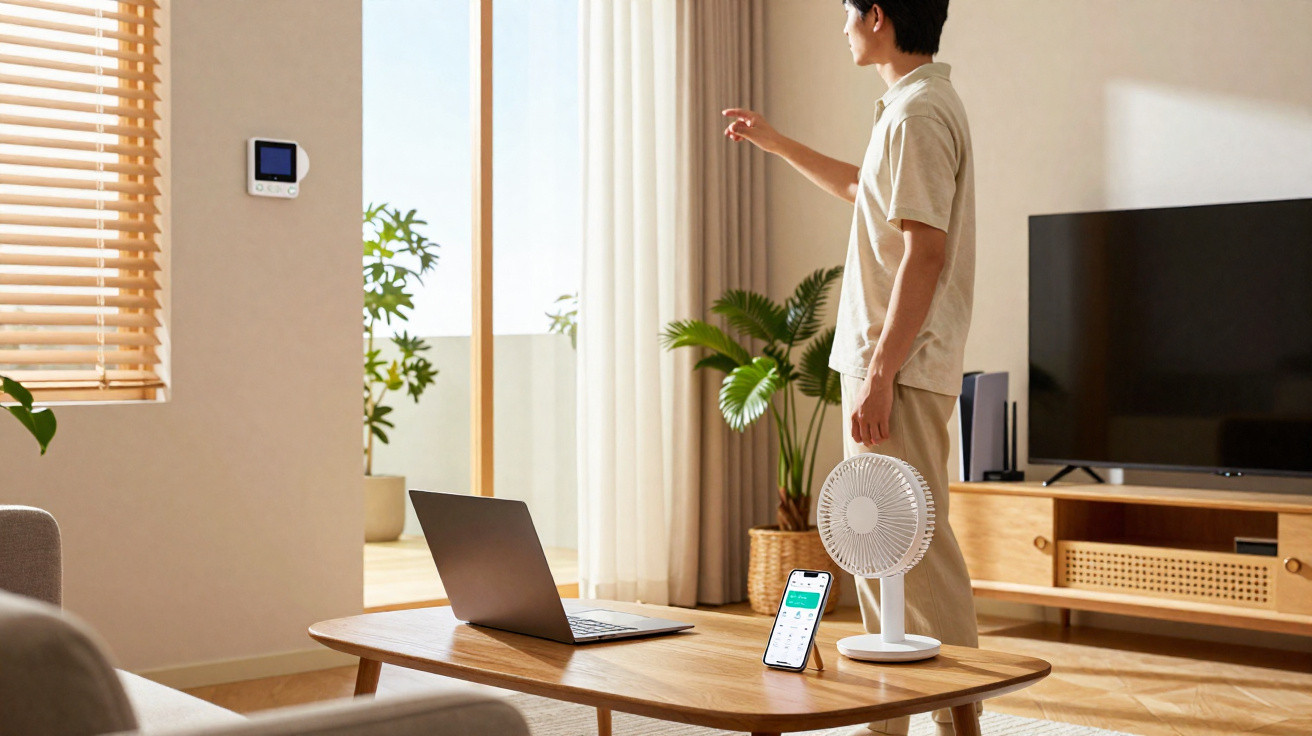
It is important to manage your use of air conditioning to reduce its impact on both your budget and global warming.
What temperature should you ideally set your air conditioning to? It depends on several factors. However, when the outdoor temperature reaches 25°C or above, it is advisable to set the unit to 24°C. If it is cooler outside, there is no need to use air conditioning. There are several reasons for this. Firstly, productivity is considered to fall sharply once temperatures exceed 25°C: concentrating becomes harder and computers are more likely to overheat. Peer-reviewed scientific studies have demonstrated this. Secondly, the lower you set the indoor temperature, the more electricity you will pay for.
A difference of three degrees could cost up to 15% more. Naturally, these figures should be treated cautiously, as they depend on your equipment, its settings and your energy supplier. The overall pattern is nonetheless clear: the less you cool your home, the more you save. At a time when inflation is taking its toll, it is worth knowing the best practices.
Cooling your home: practical advice
Before switching on the air conditioning, ask yourself whether it is really worthwhile. In some situations, provided you are not overlooked, it may be wiser to wear fewer clothes and open the windows to create a through-draught. In the evening, simply fit insect screens. Remember, however, to draw the curtains over other windows so as not to disrupt the nocturnal orientation of insects, whose populations are under threat.
Ventilation, shutters and smart controls
You should also let outside air circulate throughout the night, if temperatures allow, while keeping shutters closed during the day whenever possible. A connected thermostat can regulate indoor temperatures in real time and reduce energy use, including by preparing the home in advance before you arrive. The same applies to smart blinds, such as those from Ikea and competing brands.
What about your computer?
For electronic devices, the priority is to keep them out of direct sunlight, even when it shines through glass. Heat can damage their components. For computers, laptop stands with built-in fans are available, while some smartphones even feature heat pipes. It is also worth noting that using an external monitor significantly increases your PC’s energy consumption, so take care.
Keeping electronic devices cool
Avoid exposing computers and other devices to excessive heat, as cooling them may otherwise require additional energy. Choosing suitable accessories, such as a ventilated laptop stand, can help protect components without unnecessarily lowering the air conditioning temperature.






Comments
No comments yet. Be the first to comment!
Leave a Comment